contact@webdesignerabhi.com

Most business owners I speak with think about website maintenance the same way they think about car insurance something they know they probably need but keep pushing off until something goes wrong.
Then something does go wrong. The website goes down on a Monday morning. A contact form stops working and they don’t notice for three weeks. A plugin update breaks the homepage layout.
Or worse the site gets hacked and starts redirecting visitors to a spam page.
By that point, the damage is already done. Leads are lost. Trust is damaged. And the emergency fix almost always costs more than months of regular maintenance would have.
I’ve been maintaining websites for businesses across India for years, and I can tell you without hesitation: website maintenance is not optional. It’s as necessary as renewing your trade licence or servicing your office equipment.
In this article, I’ll explain exactly what website maintenance involves why your business genuinely needs it, and what happens when you ignore it.
What Is Website Maintenance?
Website maintenance is the ongoing process of keeping your website healthy, secure, fast, and up to date.
It’s not a one-time task it’s a regular practice that covers everything from technical updates and security monitoring to content changes and performance checks.
Think of your website like a physical shop. You wouldn’t open the shop, walk away, and never clean it, restock it, or fix the broken door handle. Your website needs the same ongoing attention just in the digital world.
When I set up a maintenance plan for a client, the work typically falls into four main categories: security, performance, content, and technical health. Each plays a specific role in keeping the site working the way it should.
What Does Website Maintenance Actually Include?
Here’s what regular website maintenance covers in practice:
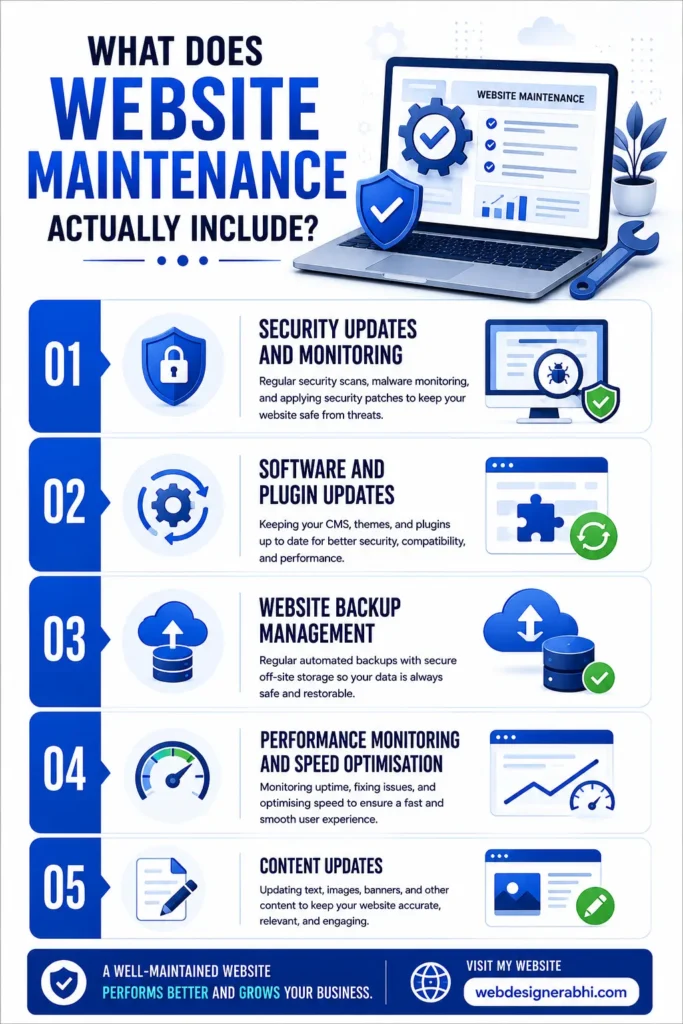
Security Updates and Monitoring
WordPress powers a significant portion of websites worldwide, and it’s regularly targeted by automated bots looking for outdated plugins, themes, and core files to exploit.
Security maintenance means keeping everything updated, running malware scans, monitoring for unusual activity, and ensuring your SSL certificate stays valid.
In most projects I’ve handled where a site was hacked, the root cause was the same: an outdated plugin or theme that hadn’t been updated in months.
The fix restoring a backup, cleaning malware, and hardening security took far longer and cost far more than the updates would have.
Software and Plugin Updates
WordPress core, themes, and plugins release updates regularly. These updates fix bugs, patch security vulnerabilities, and improve compatibility.
Skipping them doesn’t just leave you vulnerable it can eventually cause plugins to conflict with each other, breaking functionality silently in the background.
The tricky part is that updates sometimes need testing before being applied to a live site. A good maintenance process includes checking that updates don’t break anything before pushing them live.
Website Backup Management
Regular backups are your safety net. If something goes wrong a bad update, a hack, an accidental deletion a recent backup means you restore your site in hours, not days.
I always recommend daily or weekly website automated backups stored off-site, not just on the same server as your website.
Performance Monitoring and Speed Optimisation
Website speed isn’t a set-and-forget setting. As you add content, images, plugins, and pages over time, performance can gradually degrade.
Maintenance includes checking load times, optimising images, clearing caches, and identifying anything slowing the site down.
Google uses page speed as a direct ranking factor. A site that was fast at launch but has slowed down over six months will start losing ground in search results often without the business owner realising why.
Content Updates
Outdated information damages credibility. Wrong phone numbers, old pricing, discontinued services, broken links these are all signs of neglect that visitors notice and judge you by.
Regular content maintenance keeps your site accurate, current, and trustworthy.
Uptime Monitoring
Your website should be live and accessible at all times. Uptime monitoring tools check your site automatically typically every few minutes and alert you immediately if it goes down. Without monitoring, you might not even know your site was offline for hours until a customer mentions it.
Broken Link and Error Checks
Over time, pages get moved or deleted, external links go dead, and forms stop working. Regular audits catch these issues before they affect user experience or SEO rankings.
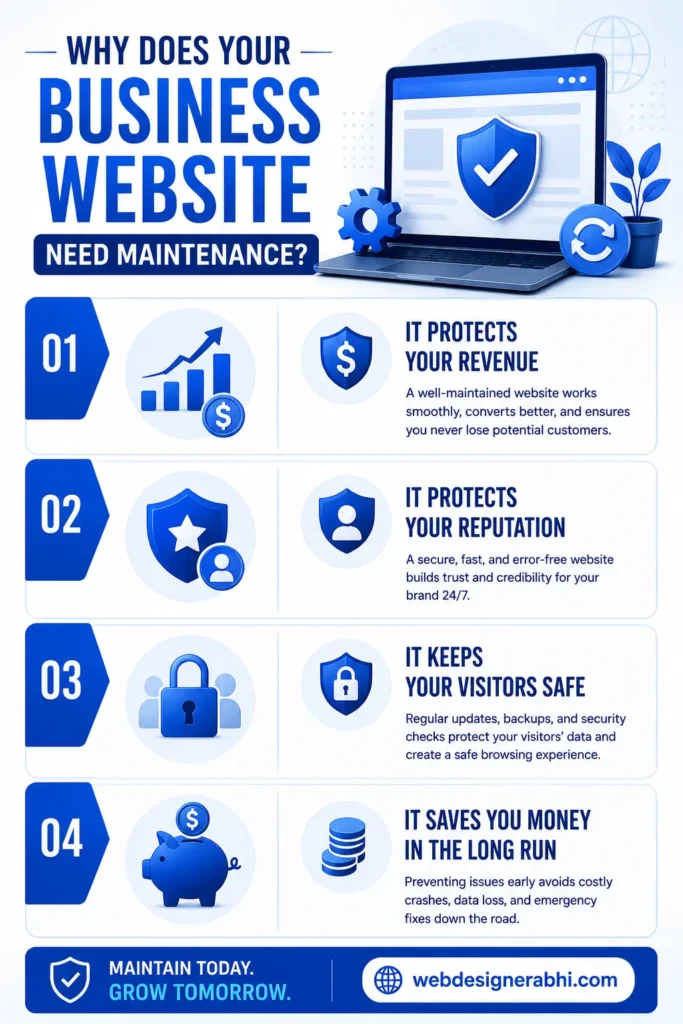
Why Does Your Business Website Need Maintenance?
Understanding what maintenance includes is one thing. Understanding why it matters for your business is what actually motivates action. Here’s the real-world impact:
It Protects Your Revenue
A website that’s down, hacked, or broken isn’t just inconvenient it’s actively costing you money. Every hour your contact form doesn’t work is an hour of lost enquiries.
Every day your site loads slowly is a day you’re losing visitors to a competitor whose site works properly.
It Protects Your Reputation
When clients ask me why their Google rankings dropped suddenly, outdated software and security issues are among the most common causes.
Google actively demotes sites that show signs of poor maintenance slow speeds, broken pages, missing SSL certificates, or malware flags.
A business that ranks well today but ignores maintenance can find itself on page three of Google within a year. Rebuilding lost rankings takes time. Prevention is far easier.
It Keeps Your Visitors Safe
If your website collects any user data contact form submissions, newsletter signups, payment information you have a responsibility to protect that data.
An unmaintained, vulnerable website puts your customers at risk. In India, awareness of online data security is growing, and customers increasingly avoid websites that feel unsafe.
It Saves You Money in the Long Run
Emergency fixes are expensive. Recovering a hacked website, rebuilding a broken site from a weeks-old backup, or doing a full security audit after a breach these reactive costs are almost always higher than the cost of consistent preventive maintenance.
In most cases, a monthly maintenance plan costs a fraction of what a single emergency recovery job would cost.
How To Protect Your Business From The Most Common Mistakes Online
Mistake 1: Treating the website as a finished project Once the website launches, many business owners mentally close that chapter. In reality, launch is just the beginning. A website needs regular attention to stay secure, fast, and relevant.
Mistake 2: Updating plugins without testing Blindly clicking update all on a live website without a staging environment or backup can break your site instantly. Always back up before updating, and test major updates carefully.
Mistake 3: Relying only on the hosting provider for security Hosting providers offer server-level security, but that doesn’t protect your website application. WordPress-level security plugin updates, login hardening, malware scanning is your responsibility, not your hosts.
Mistake 4: No backup strategy My hosting company keeps backups is something I hear often and while many do, those backups aren’t always daily, aren’t always reliable, and aren’t always easily restorable. Control your own backups with a dedicated backup solution.
Mistake 5: Ignoring performance after launch Adding new images, videos, and plugins over time without optimising them gradually slows your site. Schedule a performance review every three to six months to keep load times in check.
What Happens When You Skip Website Maintenance?
I want to be direct here, because I’ve seen this play out many times.
A business builds a great website, launches it, and gets good initial results. Then they stop paying attention. Six months later, the site is running outdated software.
A year later, a vulnerability gets exploited and the site starts serving spam content to visitors. Google detects the issue and flags the site. Rankings collapse.
The business owner discovers the problem when a customer mentions that the site “looks weird.”
Fixing it now requires emergency developer time, a full security clean-up, restoring or rebuilding content, and waiting weeks or months for Google to re-evaluate the site.
That whole chain of events could have been prevented with a basic monthly maintenance plan.
Sources
https://wpscan.com/wordpresses
https://kinsta.com/blog/wordpress-security
https://developers.google.com/search/docs/appearance/core-web-vitals
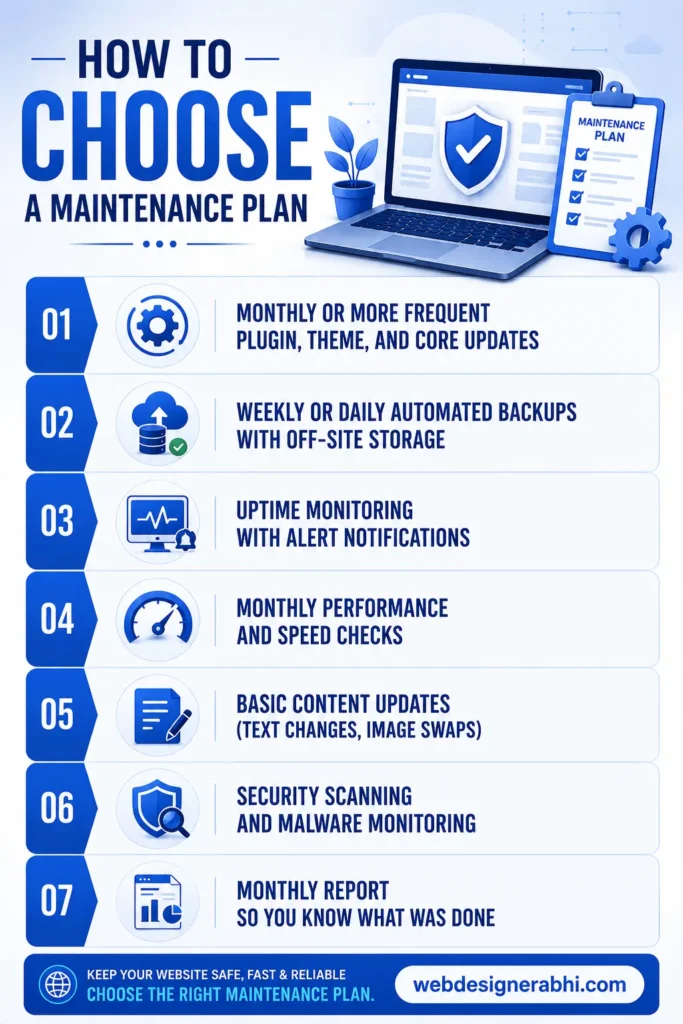
How to Choose a Maintenance Plan
When looking for website maintenance services, here’s what a solid plan should include as a minimum:
- Monthly or more frequent plugin, theme, and core updates
- Weekly or daily automated backups with off-site storage
- Uptime monitoring with alert notifications
- Monthly performance and speed checks
- Basic content updates (text changes, image swaps)
- Security scanning and malware monitoring
- Monthly report so you know what was done
Be cautious of plans that are vague about what’s included. A good maintenance provider will give you a clear scope not just “we’ll keep your site running” with no specifics.
If you already have a website designer who built your site, ask them about an ongoing maintenance package.
Continuity matters someone who built your site understands its structure and can maintain it more effectively than a stranger starting from scratch.
The Long-Term Value of Regular Maintenance
Your website is a business asset. Like any asset, it gains or loses value based on how well you maintain it.
A website that receives consistent care regular updates, clean security, fast load times, accurate content builds domain authority over time, ranks better in search, and earns more trust from every visitor.
That compound effect is genuinely valuable.
Businesses that treat maintenance as an ongoing investment, not a cost to avoid, consistently outperform those that don’t in organic search, lead conversion, and online credibility.
The gap between a well-maintained site and a neglected one grows wider every year.
If your website is currently unmaintained or if you’re not sure what state it’s in consider this the nudge to find out. A quick audit can tell you exactly where things stand.
If you’d like help with that, feel free to explore website maintenance services or get in touch directly. No pressure just an honest look at what your site needs.
How This Article Was Created
This article was written based on practical, first-hand experience providing website maintenance and web design services to businesses across India.
The scenarios, mistakes, and recommendations described here reflect real observations from actual client projects not theoretical advice.
All references to WordPress’s market share, Google’s use of page speed as a ranking factor, and security vulnerability patterns are based on widely accepted, publicly documented industry knowledge from sources including WordPress.org, Google Search Central, and established web security research. No statistics have been fabricated or exaggerated.
This content follows Google’s E-E-A-T principles and helpful content standards. It is written to genuinely inform business owners about an often-overlooked but critical aspect of owning a website not simply to rank for keywords.
What exactly is website maintenance?
Website maintenance is the ongoing process of keeping your website secure, fast, updated, and accurate after it goes live.
It covers four main areas, security monitoring and updates, software and plugin updates, performance checks, and content accuracy.
It’s not a one-time task it’s a regular practice that keeps your website working the way it should, month after month.
How much does website maintenance cost in India?
A basic website maintenance plan for a small business website in India typically costs between ₹3,000 and ₹12,000 per year, depending on the scope of work included.
More comprehensive plans that include priority support, monthly reporting, content updates, and advanced security monitoring may cost more.
Compare that to the cost of recovering a hacked website or rebuilding a broken site which can easily run ₹10,000 to ₹30,000 or more as a one-time emergency fix.
Best practices for e-commerce website security updates?
Best practices for e-commerce website security updates include regularly updating software, plugins, and themes, using SSL certificates for secure transactions, enabling strong passwords and multi-factor authentication, and applying security patches promptly.
Businesses should also perform vulnerability scans, maintain regular backups, use secure payment gateways, install firewalls and anti-malware tools, monitor website activity, and train staff on cybersecurity awareness.
What are the essential checks for website performance optimization?
Essential checks for website performance optimization include testing page load speed, optimizing images, minimizing CSS and JavaScript files, enabling browser caching, and ensuring mobile responsiveness.
It is also important to monitor server response time, use a Content Delivery Network (CDN), optimize databases, fix broken links, and track Core Web Vitals to improve user experience and search engine rankings.
What should a website maintenance plan include?
A solid maintenance plan should include at minimum, monthly plugin, theme, and core software updates; weekly or daily automated backups stored off-site, continuous uptime monitoring with alert notifications, monthly performance and page speed checks, security scanning and malware monitoring, basic content updates, and a monthly report detailing what was done.
Be cautious of vague plans that promise “we’ll keep your site running” without specifying exactly what that means.
Does website maintenance affect Google rankings?
Yes, directly and indirectly. Google uses page speed and Core Web Vitals as ranking factors a slow, degraded website ranks lower over time.
Google also actively demotes or flags websites with security issues, malware, or missing SSL certificates.
On the indirect side, an unmaintained website with broken links, outdated content, and poor user experience signals low quality to both visitors and search engines.
Regular maintenance keeps all of these factors healthy, which supports and protects your search rankings.
Is website maintenance only for WordPress websites?
No, every website needs maintenance regardless of what platform it’s built on. WordPress sites need particularly close attention because of how widely they’re targeted by automated bots, but websites built on Wix, Shopify, custom code, or any other platform still require regular content updates, performance checks, security reviews, and backup management.